
Why you'll want this integration

Zero-Effort Asset Management

Stop wasting time downloading, resizing, and re-uploading massive image files.

Your high-resolution Virtuance photos flow instantly into your Bear Printing library the moment they’re ready, keeping your workflow completely touch-free.

Faster Speed-to-Market

Every hour counts. By automating the hand-off between your photographer and your printer, you can have professional flyers, postcards, and signs designed and ordered before your listing even goes live on the MLS.

Design Freedom with Canva through Bear

Get the best of both worlds: Virtuance’s award-winning photography and Canva’s intuitive design tools.

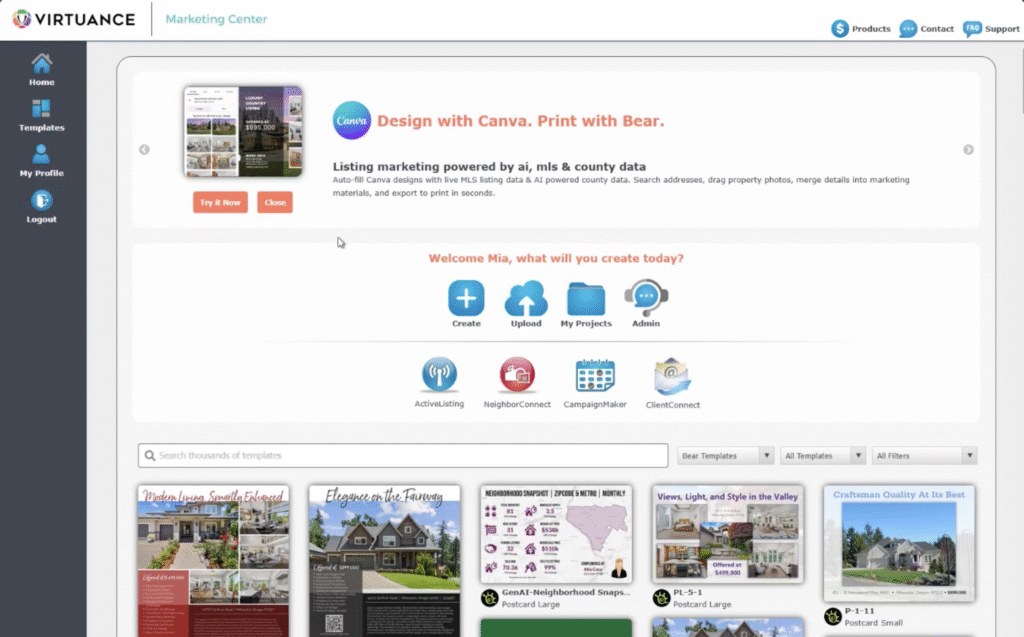
Access your listing photos directly within the Bear Printing app in Canva to create stunning, custom marketing materials in just a few clicks.
How to sync your Virtuance and Bear Printing accounts

  1. Log in to your Bear Printing account.
  2. Select My Profile on the left-hand menu.
  3. Manage MLS IDs under the Additional Information section.
  4. Choose Virtuance from the Agency Providers dropdown menu.
  5. Enter email associated with your Virtuance account.
  6. Send verification email to receive your access code.
  7. Input code and click Verify & Connect.
  8. Confirm connection by checking your linked MLS feeds.


Once successful, Virtuance will appear as a linked feed in your profile! Note that automatic uploads apply to all Virtuance shoots scheduled after you’ve connected your accounts.

The integration applies to all Virtuance shoots scheduled after you’ve connected your accounts. You must have an active Virtuance and Bear Printing account for this integration to work.
Login to your Bear Printing account

How to sync your Bear Printing and Canva accounts

Access your synced listing photos directly inside your favorite design tool!


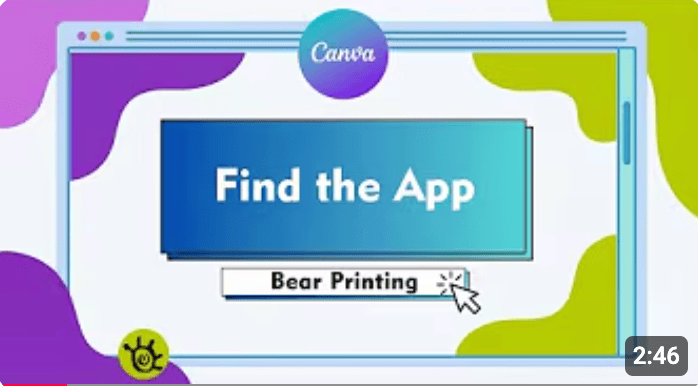
  1. Login to Canva and search for the Bear Printing App in the "Apps" tab.

  2. Select a design and click Connect to log in with your Bear Printing credentials.

  3. Drag and drop your Virtuance photos from the sidebar directly into your templates and

  4. Send to print to be fulfilled by Bear Printing!
Login to my Canva Account

About Bear Printing

Bear Printing is a leading real estate marketing and print provider dedicated to helping agents work smarter.

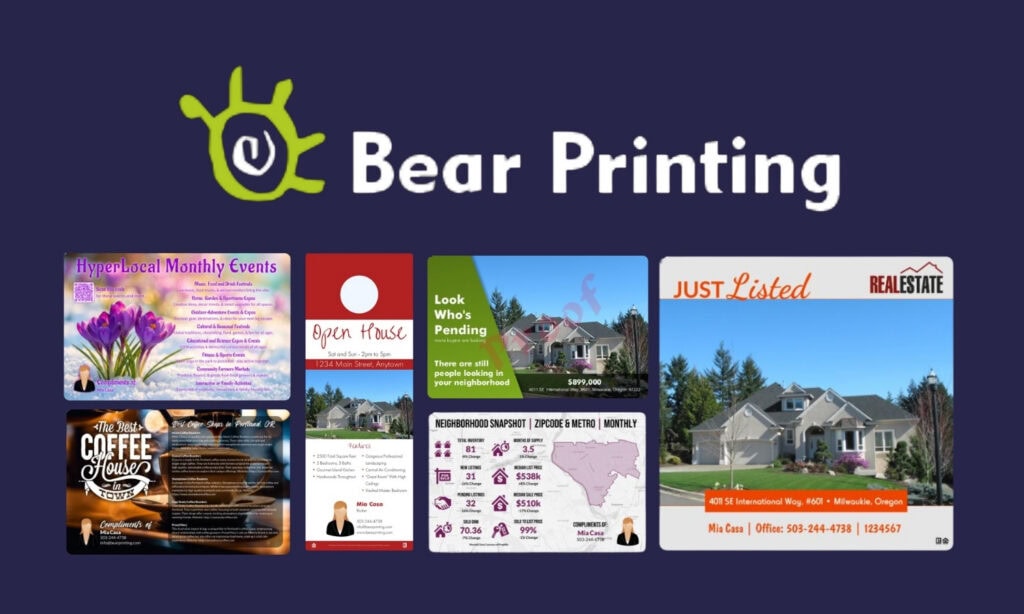
Known for their high-quality materials and "Ninja Design Robots," they specialize in automated marketing solutions—from their flagship weather-resistant PermaFlyers to custom postards and signage—designed to get your listings to market faster than the competition.
Go to bearprinting.com

Frequently asked questions

What do I need to set up the integration?

To get started, you’ll need active accounts with Virtuance and Bear Printing. If you want to use the design-first workflow, you will also need a Canva account.

It does not. Auto-uploads only apply to Virtuance shoots that take place after you have successfully connected your Virtuance and Bear Printing accounts.

Not at all! The integration automatically delivers high-resolution, print-ready images directly into the Bear and Canva ecosystems, maintaining the quality required for professional printing.

No. Virtuance and Bear Printing are separate entities. Any costs associated with print orders must be paid directly to Bear Printing.

You do not! The Bear Printing app is available to all Canva users, including those on the Free plan.

Yes, we still offer our digital/print brochures, but the Bear Printing integration provides a more robust solution for custom print-on-demand needs.