Virtuance’s HDReal® Image Processing Software (HIPS)

What does HIPS do to my images?

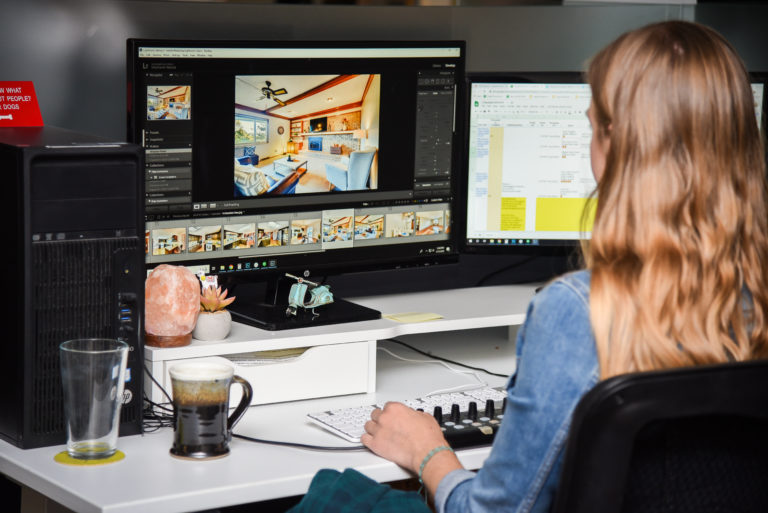
  • Vertical alignment and correction
  • Automated window blends
  • Lens distortion correction
  • High-resolution processing
  • Noise reduction
  • Saturation and brightness adjustments
  • Sharpening
  • Color correction and white balance correction
  • Color cast removal
  • Tone curve and contrast adjustments


Virtuance charges $2.50 per image processed by HIPS.

Start using HIPS

How it works

STEP 1

Create your Virtuance account.

STEP 2

Configure your camera settings.

STEP 3

Capture the property like a pro!

STEP 4

Login, create a new order, and upload images into Virtuance's portal.

STEP 5

Receive your images that next day!

Walk through the process with our HIPS Guide!

HIPS Guide by info.photo@virtuance.com

HDReal® Image Processing System FAQ

There is no minimum or maximum number of images you can upload per session. 

You can expect to receive all images by 5:00 pm MST the day after they were uploaded to the Portal, except for those uploaded on Saturdays. If you uploaded images on a Saturday, they will be processed and delivered by 5:00 pm MST on the following Monday. 
For next-day delivery, image uploads must be completed by 12 PM MST. Once the images are ready, you will receive an email with a link to your completed images.

We do not correct image quality issues in the images, such as sensor spots. We process exactly what you deliver.

To use HIPS, you’ll need to provide credit card information to our customer support team at 1-844-443-7325.

We’ll bill you monthly for the final merged images you upload, not for individual source files. We’ll email your bill at the end of each month.