
Stop wasting time downloading, resizing, and re-uploading massive image files.
Your high-resolution Virtuance photos flow instantly into your Bear Printing library the moment they’re ready, keeping your workflow completely touch-free.

Every hour counts. By automating the hand-off between your photographer and your printer, you can have professional flyers, postcards, and signs designed and ordered before your listing even goes live on the MLS.

Get the best of both worlds: Virtuance’s award-winning photography and Canva’s intuitive design tools.
Access your listing photos directly within the Bear Printing app in Canva to create stunning, custom marketing materials in just a few clicks.
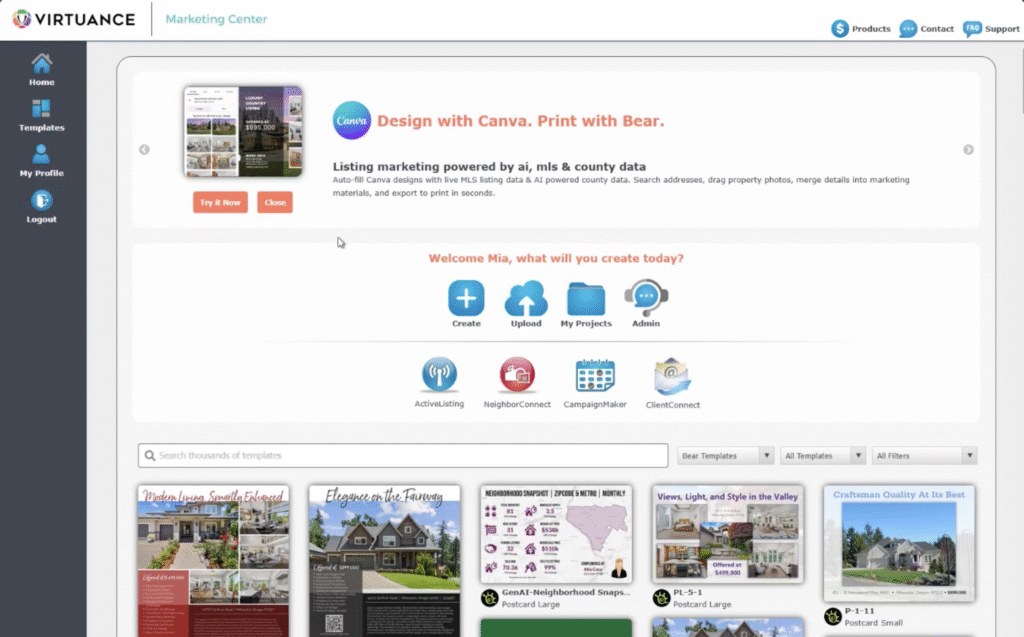
How to sync your Virtuance and Bear Printing accounts
Once successful, Virtuance will appear as a linked feed in your profile! Note that automatic uploads apply to all Virtuance shoots scheduled after you’ve connected your accounts.
Access your synced listing photos directly inside your favorite design tool!
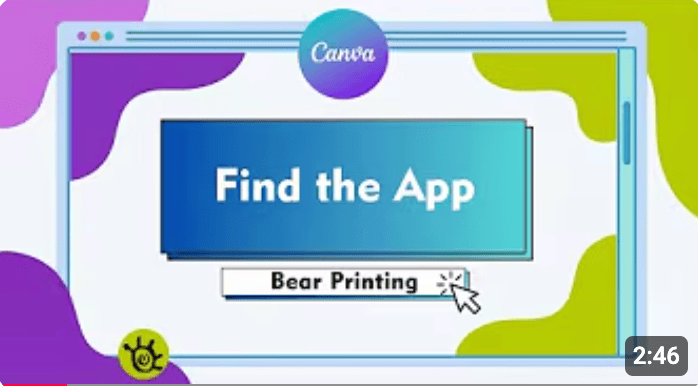
Login to Canva and search for the Bear Printing App in the "Apps" tab.
Select a design and click Connect to log in with your Bear Printing credentials.
Drag and drop your Virtuance photos from the sidebar directly into your templates and
Send to print to be fulfilled by Bear Printing!
About Bear Printing
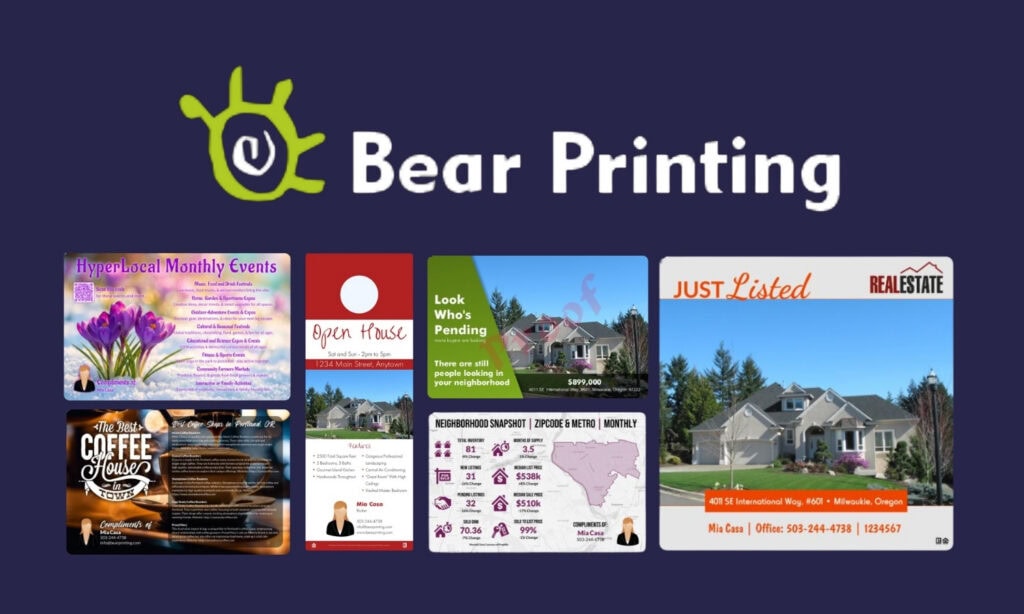
Bear Printing is a leading real estate marketing and print provider dedicated to helping agents work smarter.
Known for their high-quality materials and "Ninja Design Robots," they specialize in automated marketing solutions—from their flagship weather-resistant PermaFlyers to custom postards and signage—designed to get your listings to market faster than the competition.